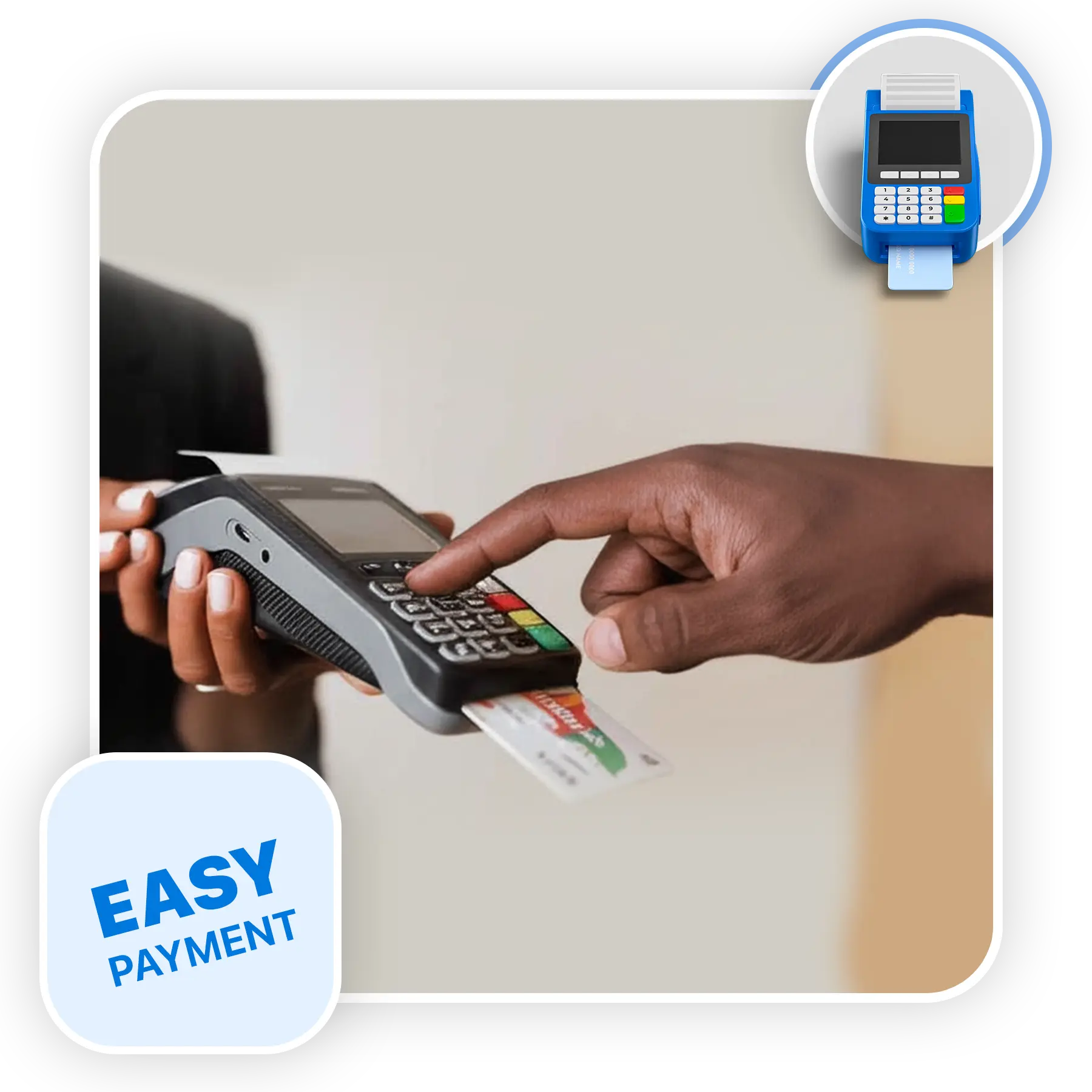
POS (Point of Sale) Systems

Retail, restaurant, or mobile—360Ground POS powers seamless selling from front desk to back office.

POS (Point of Sale) Systems

POS Built for Ethiopian Businesses

360Ground’s POS Systems streamline sales, inventory, and payment processes for retailers, restaurants, and mobile vendors. Designed for local businesses, our solutions offer robust performance, offline capabilities, and easy integration with accounting and ERP platforms.

Top Organizations Trust 360Ground

Ethiopian Securities Exchange

Our Offerings

Retail POS

Restaurant POS

Mobile POS (mPOS)

Inventory Management

Sales Analytics

Multi-User Access

Payment Integration

Offline Mode

ERP & Accounting Sync

Why 360Ground ?

Streamline your sales, simplify inventory, and stay in control—whether you’re running a store, restaurant, or mobile business. Try 360Ground POS and experience smarter selling from front desk to back office.

Case Studies

Every project is a journey, and we measure success by the results our clients achieve. From MVPs that disrupt industries to enterprise solutions that scale globally, these stories show how we transform ideas into market-leading solutions.

Questions? Answers.

1. What exactly is a POS (Point of Sale) System?

A POS (Point of Sale) system is more than just a cash register: it combines hardware (like terminals or scanners) and software to manage in-person and online sales, handle payments securely, and maintain inventory records. By centralizing transaction data and automating functions like stock-level updates, a POS system reduces manual errors and accelerates checkout processes. It also supports essential operations such as tracking customer purchases, generating real-time sales reports, and monitoring employee performance, helping businesses make smarter decisions.
A robust POS automatically updates inventory levels as items are sold, flagged low-stock alerts, and supports transfers between outlets—whether in a single store or across multiple locations . When integrated with e-commerce and in‑store systems, it ensures inventory is synced seamlessly across all channels, reducing overselling and stockouts . Advanced setups even allow serialized item tracking, batch-level control, and dynamic pricing adjustments—key for businesses with complex stock needs
POS platforms offer built-in analytics dashboards displaying daily sales trends, profit breakdowns, top‑selling products, and staff performance metrics These insights empower managers to monitor KPIs, identify peak sales times, adjust staffing, and make data-driven inventory orders—leading to improved efficiency and reduced waste. Most systems also let you export detailed reports for accounting, tax filing, or in-depth analysis in spreadsheets.
Modern POS systems include customer profiles that log purchase history and preferences, enabling loyalty programs and targeted offers Quick checkout features—such as barcode scanning, offline mode support, and multiple payment options (cash, card, digital wallets)—significantly reduce wait times and boost customer satisfaction Some POS setups even offer kitchen display screens for food & beverage outlets, enhancing order accuracy and speed.
Yes, POS platforms typically allow managers to create user roles and PINs for individual staff, controlling access to sales, inventory adjustments, and refunds 360-software.net They can also generate staff-specific reports, such as daily sales per employee or commission calculations, making it simpler to monitor performance and reward achievements. This encourages accountability and helps prevent misuse.
Absolutely—most POS solutions offer integrations with accounting software, ERP systems, e-commerce platforms, and loyalty apps . They typically support a variety of payment methods securely, including credit/debit cards, mobile wallets, and cash. Some advanced systems allow custom integrations via APIs, enabling bespoke workflows tailored to your business needs.
Yes—many modern POS systems are cloud-enabled, meaning the central database and dashboard are hosted online and accessible from PCs, smartphones, or tablets . Mobile POS setups turn a tablet or phone into a fully functional checkout device—ideal for pop-ups or small vendors Additionally, offline mode capabilities ensure you can continue taking sales even without internet connectivity, syncing data later.
Key considerations include ease of setup, inventory complexity needs, multi-location support, integrated analytics, and available integrations . Also, ensure the provider offers transparent pricing without hidden fees—especially for payment processing. Finally, prioritize systems with reliable local support or resellers who understand your market context.

Get Started with 360Ground POS Today

Streamline your sales, simplify inventory, and stay in control—whether you’re running a store, restaurant, or mobile business. Try 360Ground POS and experience smarter selling from front desk to back office.
Top Ethiopian software company portfolio – 360Ground